Blog
How to Create a Water Menu for Fine Dining Restaurants in the UAE
Build a clear fine dining water menu with Revana. Plan still and sparkling options, bottle sizes, menu wording and consistent ordering for your UAE restaurant.
A guest should be able to choose water without asking several questions. Which brand is available? Is it still or sparkling? What size is the bottle, and what does it cost? A clear water section answers those questions while fitting naturally into the restaurant’s wider menu.
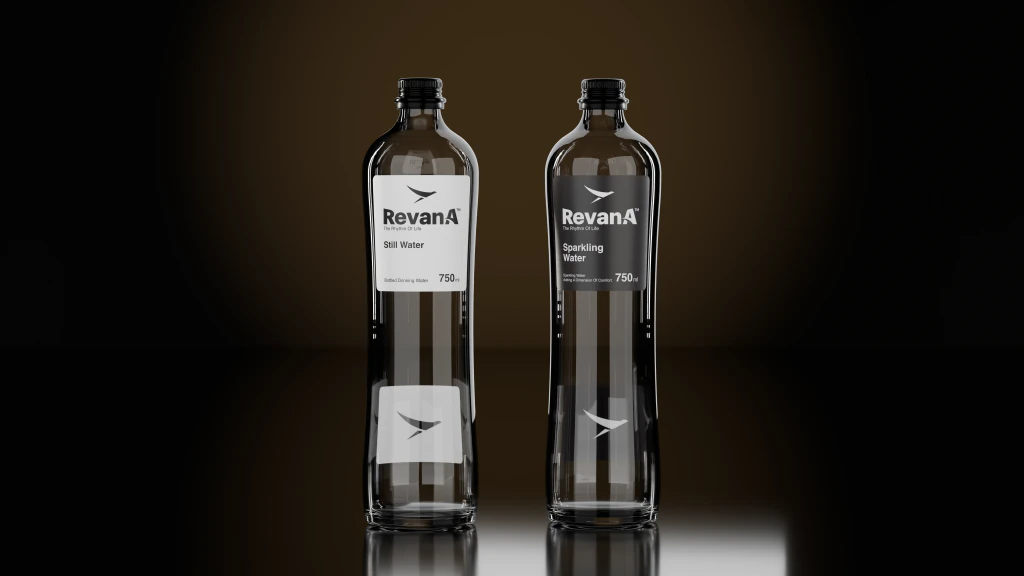
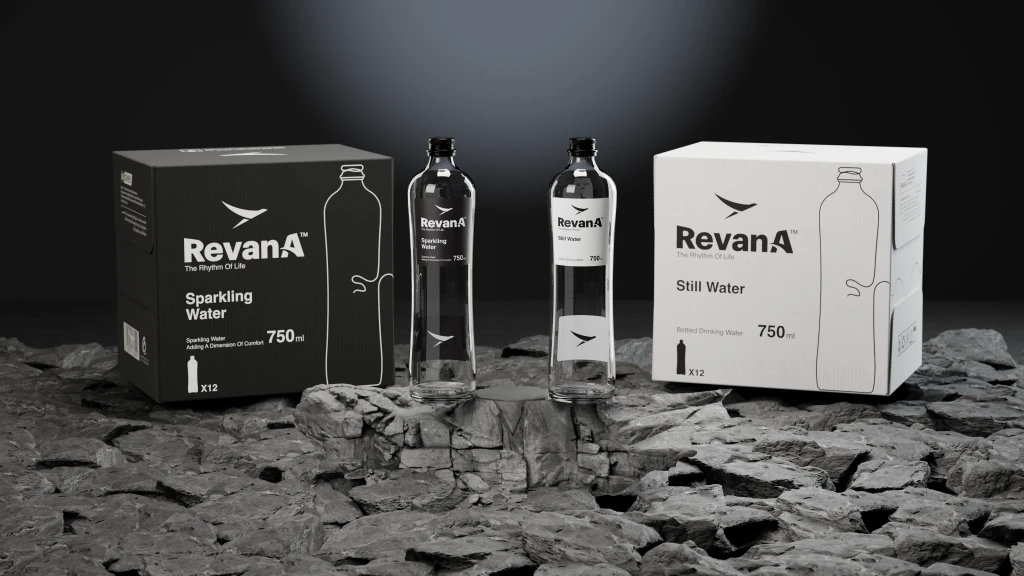
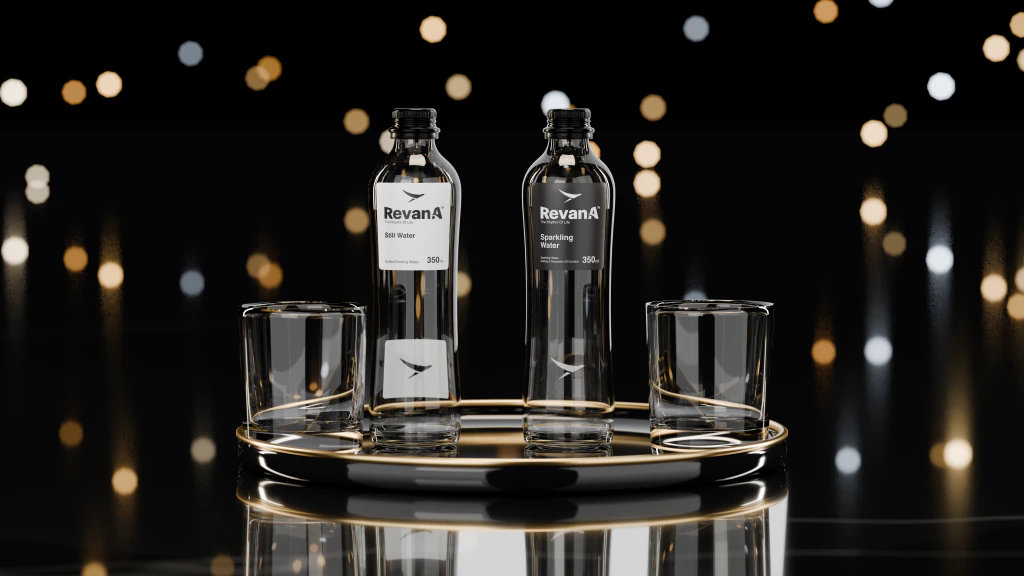
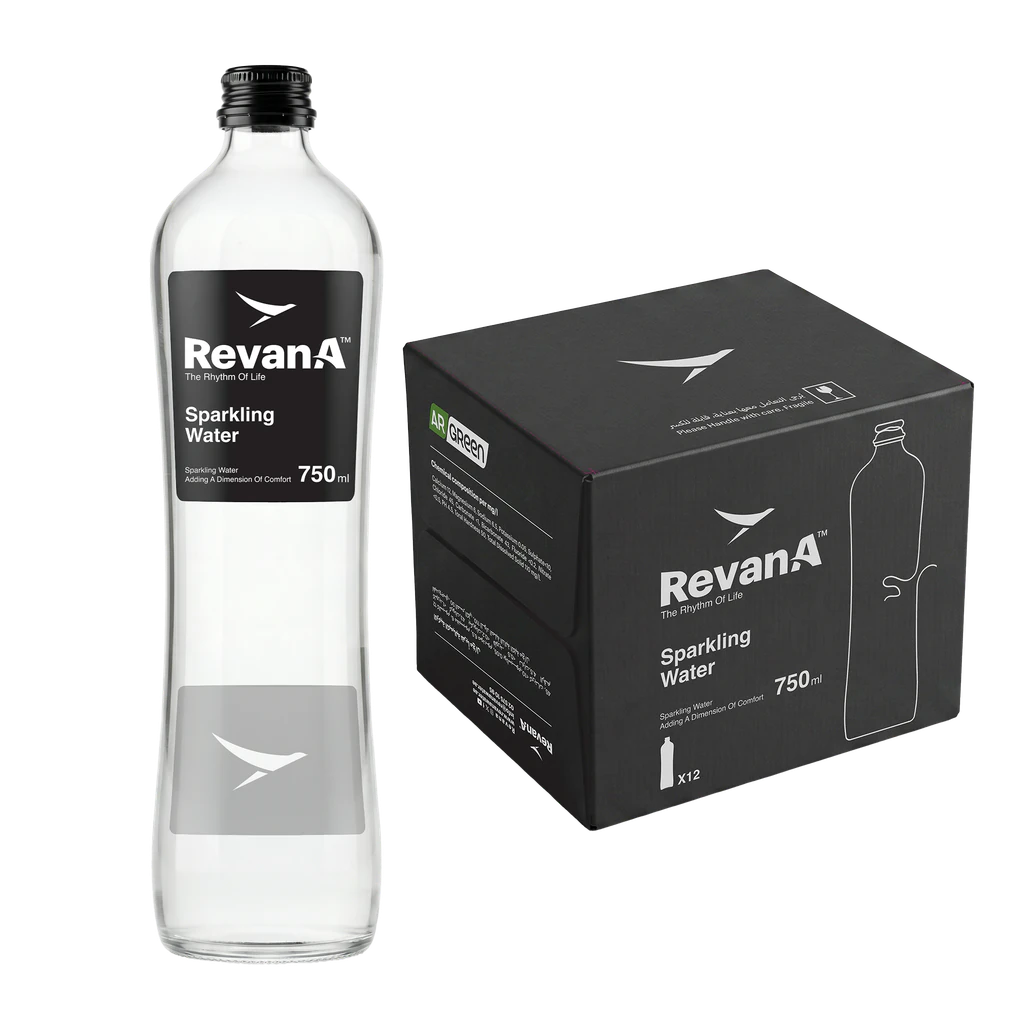
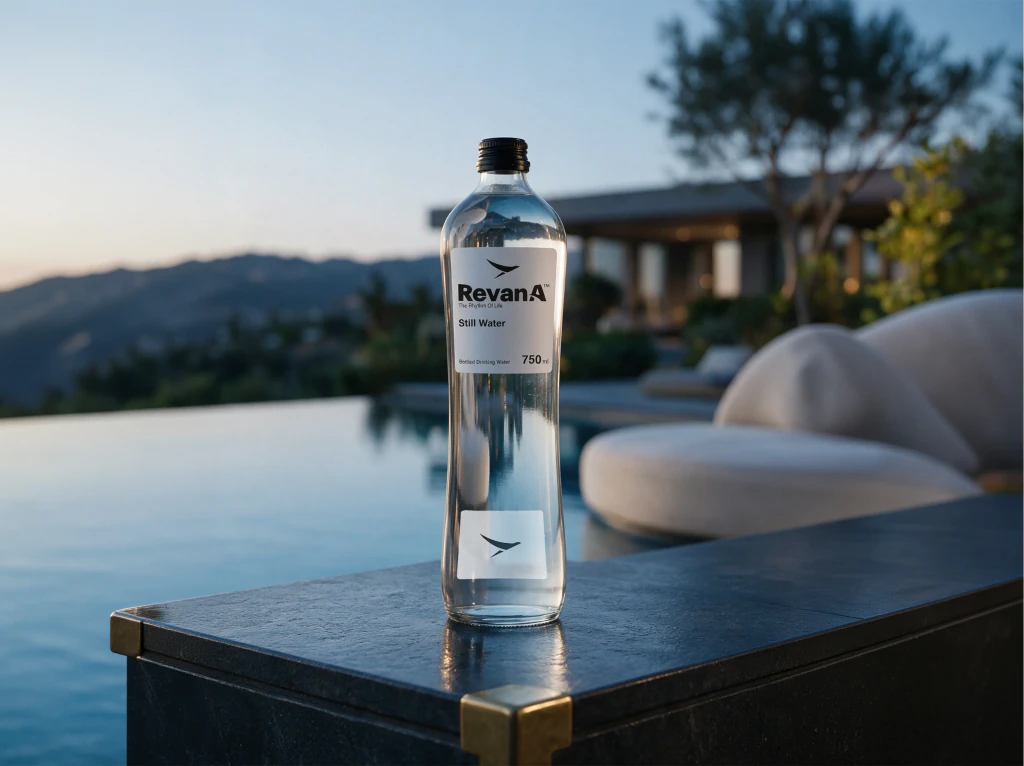
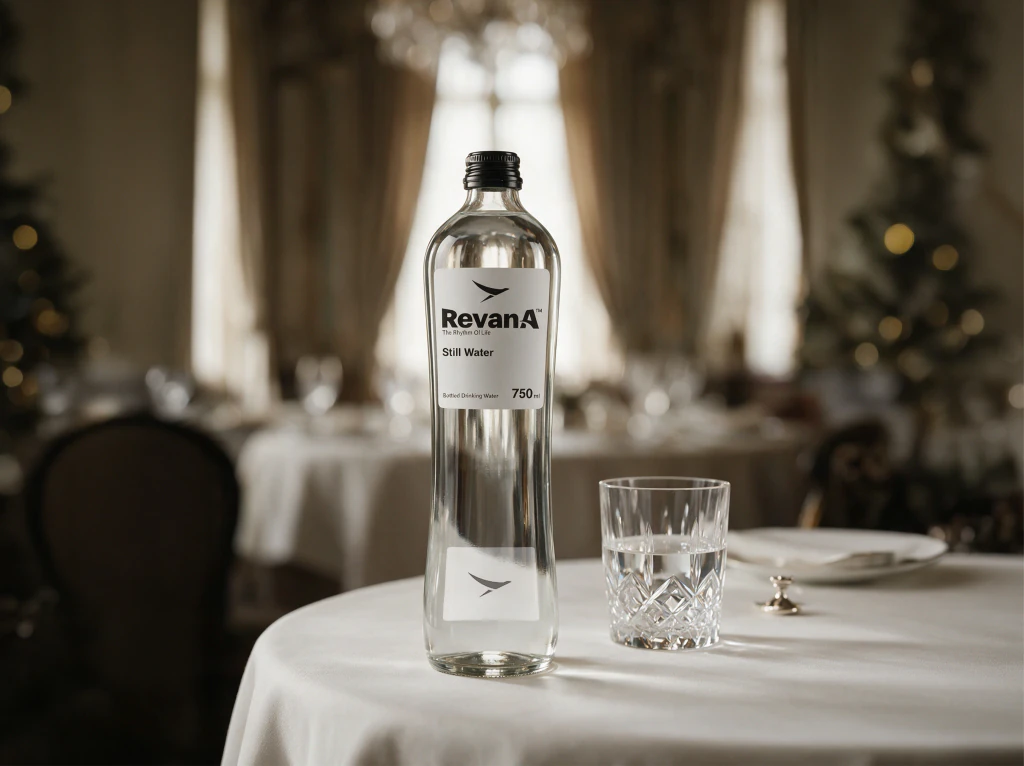
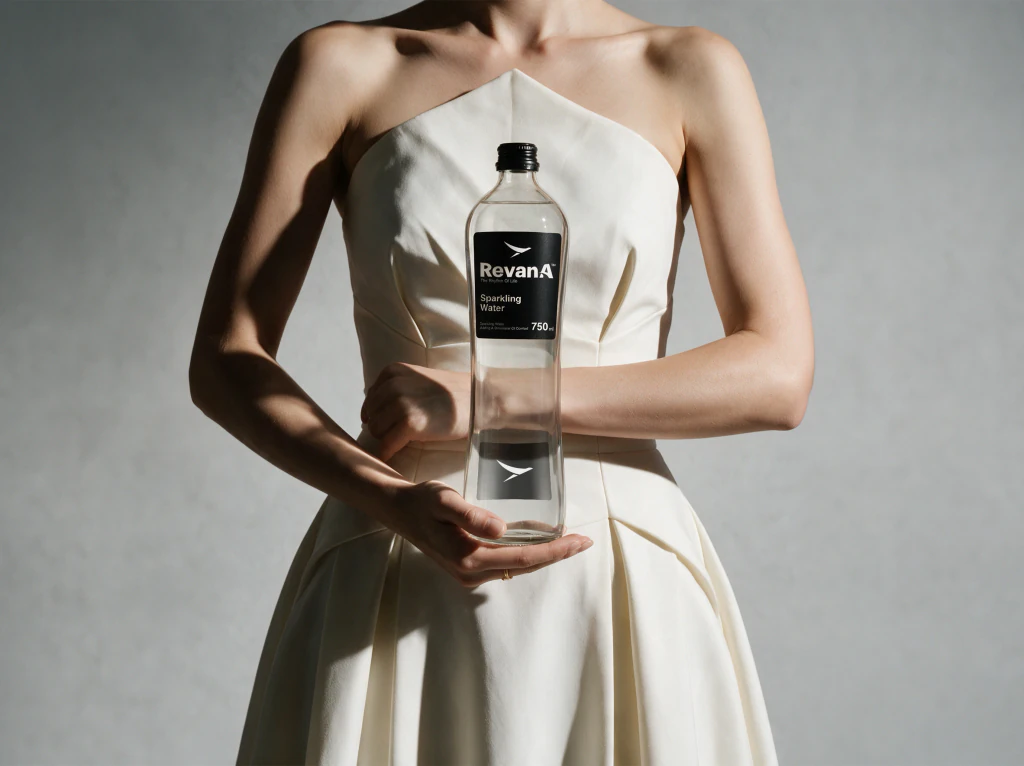
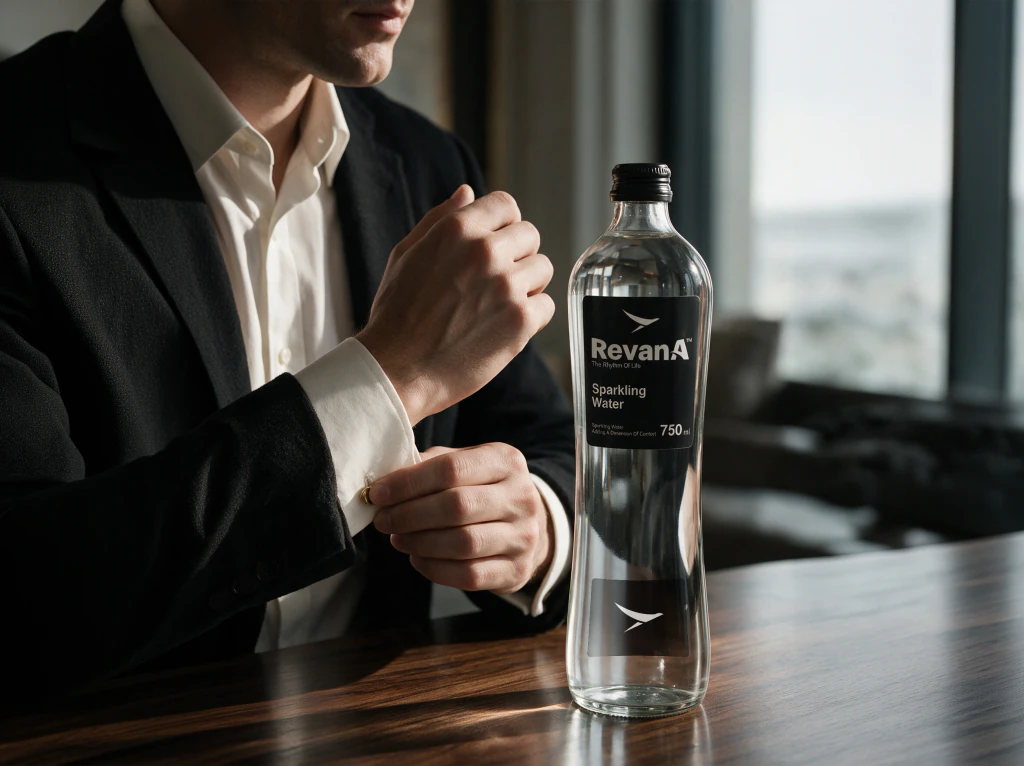
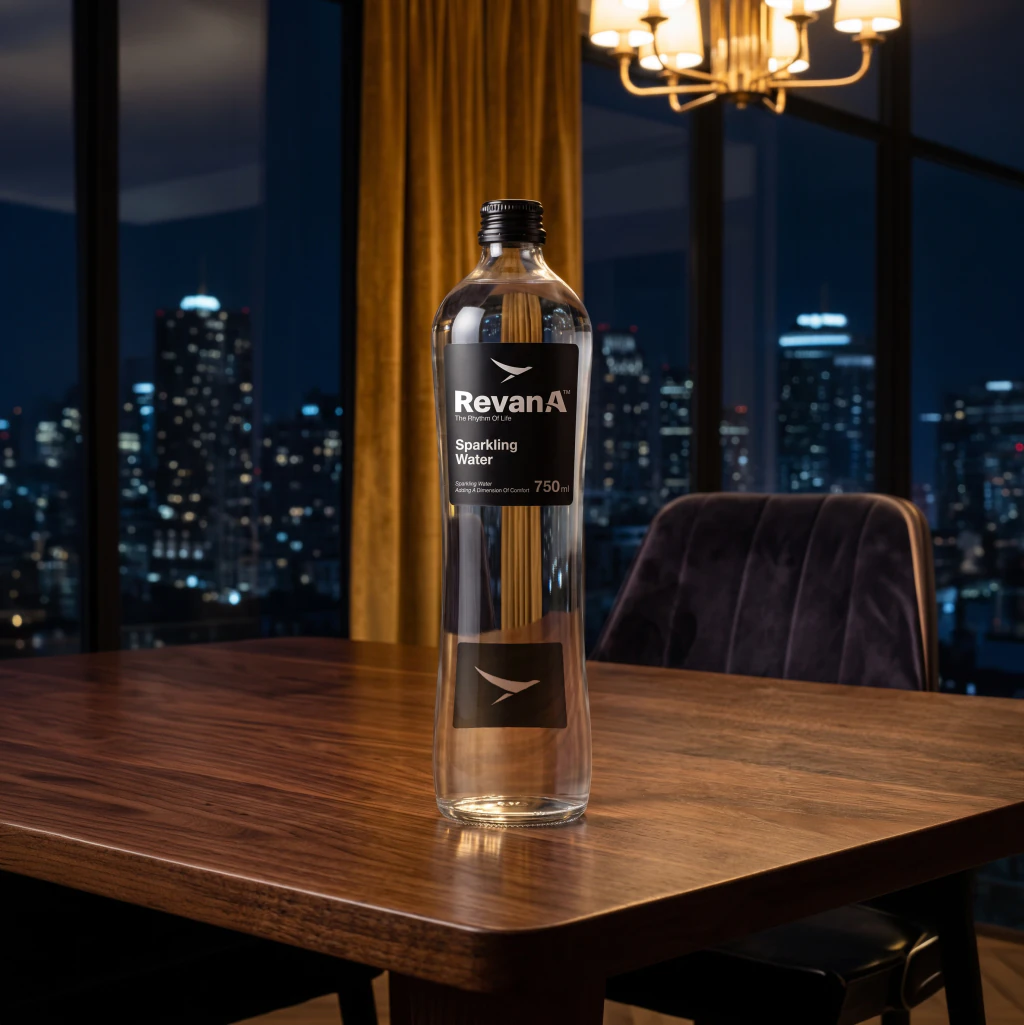
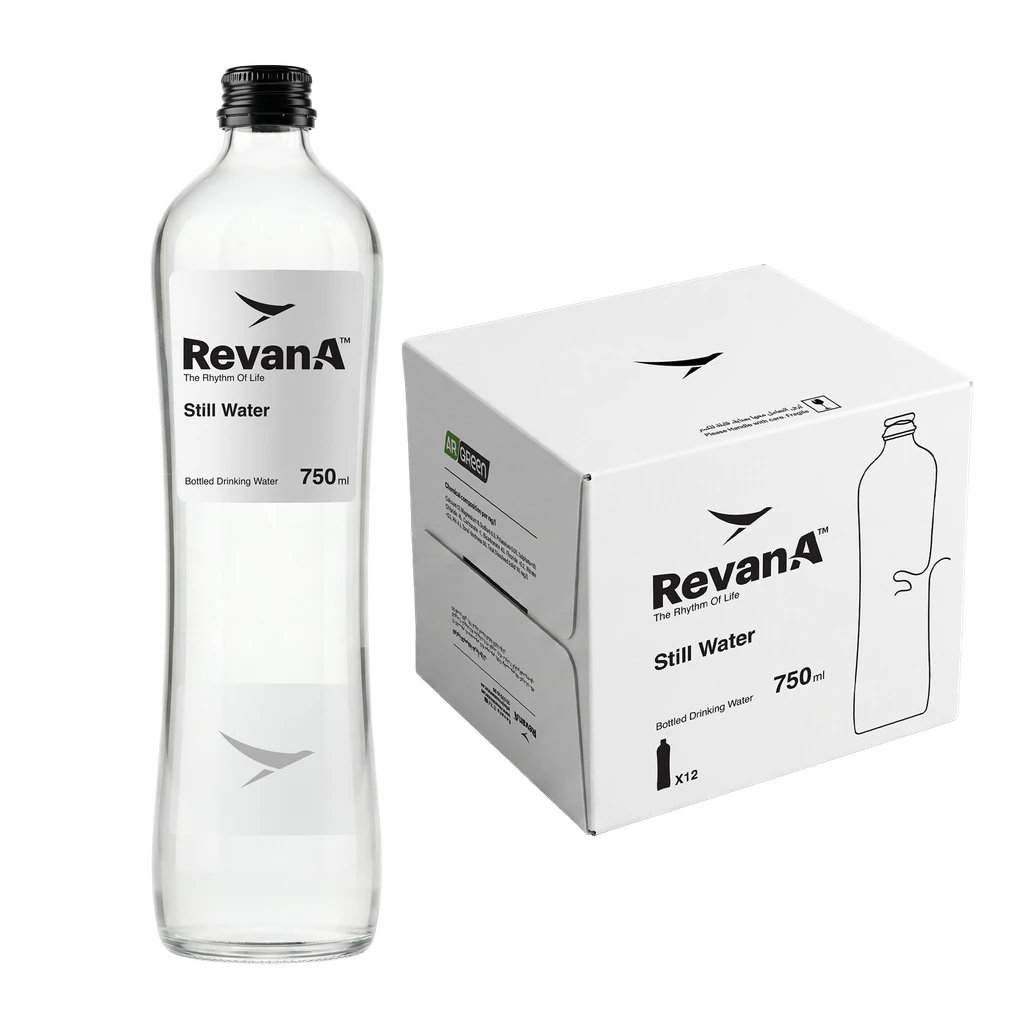
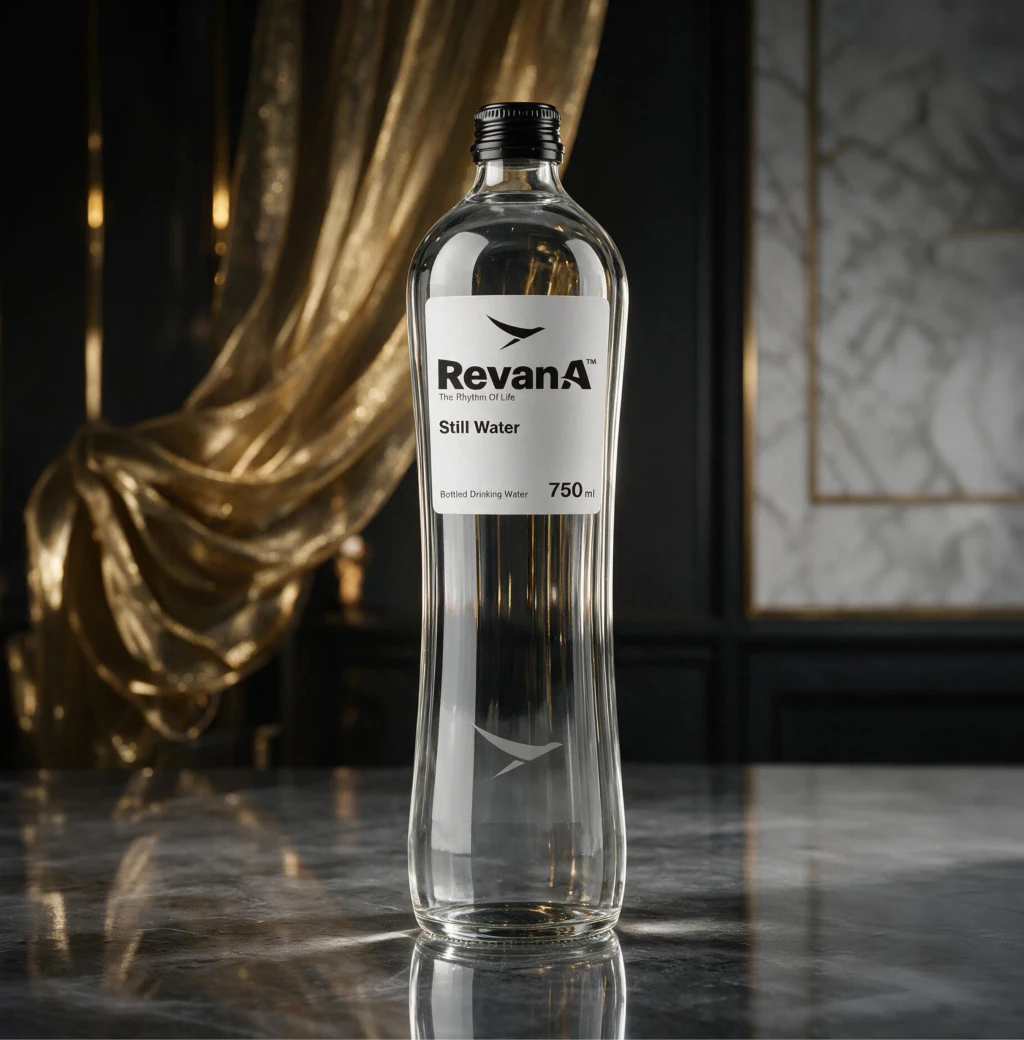
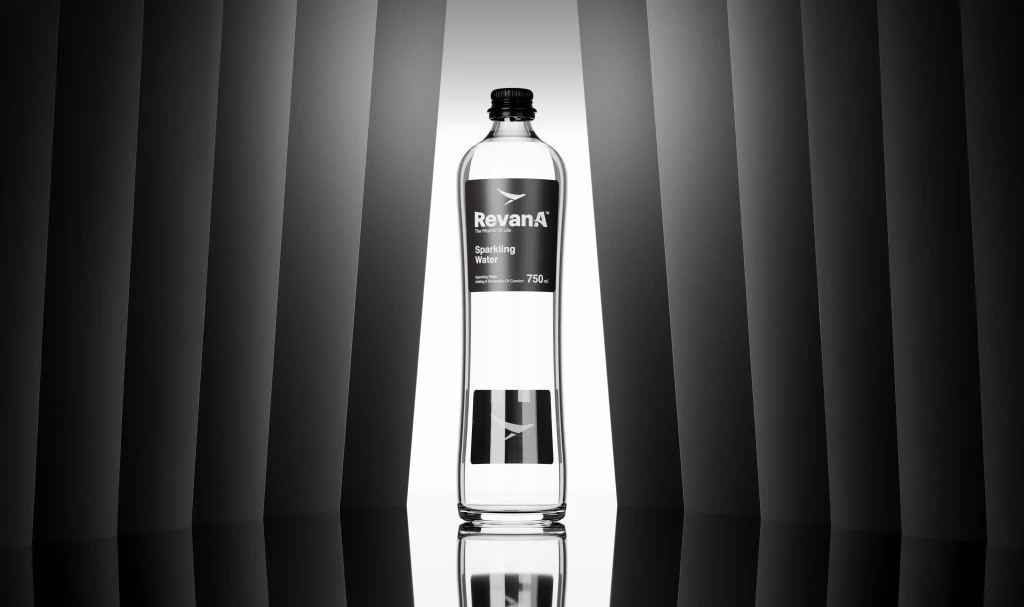
For teams choosing premium water for fine dining, menu wording deserves the same care as product selection. Revana’s still and sparkling drinking water comes in 350 ml and 750 ml glass bottles. Presenting the available choices clearly helps guests select a bottle and gives the service team a precise order to fulfil.
Decide what the menu needs to explain
Start with the information a guest needs at the moment of ordering: brand, water type, bottle size and the venue’s current selling price. Keep the description short enough to read alongside other drinks.
A restaurant does not necessarily need a separate water menu. A clearly organised section within the beverage menu may be enough. Private dining and event menus can use the same product names so guests receive consistent information wherever they dine.
Choose which formats the venue will actually offer before designing the section. List the products stocked for that service, and confirm availability before adding a new option.
Use simple and accurate product names
A useful menu name identifies the product directly. For Revana, the distinction is still or sparkling bottled drinking water in a glass bottle.
Use the brand name consistently, followed by the water type and volume. This makes the options easy to compare. Any additional description of the source, production process or product characteristics should match current approved product information.
A concise introduction for the water section could read:
“Revana Glass Bottled Water. Still and sparkling drinking water, available in 350 ml and 750 ml bottles.”
Then list the options your restaurant stocks.
Build a clear menu section
The following example shows how to distinguish the four products:
| Menu entry | Bottle size |
|---|---|
| Revana Still Drinking Water, 350 ml | 350 ml |
| Revana Still Drinking Water, 750 ml | 750 ml |
| Revana Sparkling Drinking Water, 350 ml | 350 ml |
| Revana Sparkling Drinking Water, 750 ml | 750 ml |
Place the venue’s current approved selling price beside each entry before using this wording on a guest menu. If you offer only the 750 ml format, retain the two 750 ml entries and their respective prices.
Where space is limited, group the two sizes beneath “Still” and “Sparkling,” with each size positioned next to its own price. Give each price a clear connection to one bottle size so guests can identify the cost of their selection.
Keep units consistent throughout. Use “350 ml” and “750 ml” in the same style. These exact volumes are more informative than “small” and “large.”
The full Revana collection can help your team check the names and formats before approving the layout.
Make the serving format clear
The menu and the service conversation should describe the same offer. If water is sold by the bottle, make that clear. If a private dining package includes particular water options, state those options accurately in the package description.
People’s preferences and consumption differ, and a table may order both still and sparkling water. Describe a larger bottle by its volume rather than promising that it serves a fixed number of guests.
For a fuller discussion of selecting formats, see our guide to 350 ml and 750 ml glass water bottles.
Match the menu to the ordering system
Before launch, compare the guest menu with the restaurant’s ordering records and stock list. Each option should be distinguishable by brand, water type and size.
For example, “Revana Still 350 ml” and “Revana Sparkling 350 ml” should remain separate items when staff enter an order. A single item labelled “Revana Water” would require another way to record which product the guest requested.
Check the following:
- Each menu entry has the correct corresponding order item.
- The price in the ordering system matches the approved menu price.
- Still and sparkling options are clearly distinguished.
- Bottle sizes are visible on staff screens or order slips.
- Temporary unavailability is communicated before an order is accepted.
These checks help the service team carry the guest’s choice accurately from the menu to the table.
Test the menu with realistic guest questions
Review the finished section with someone who did not write it. Ask them to find the price of a 350 ml sparkling bottle, identify the larger still option and explain what the heading promises.
Then walk through a table with mixed preferences. Can one guest order an individual sparkling bottle while others choose still? Can staff identify the requested products from the order record?
This short exercise can reveal an unclear price, a missing size or an ordering label that needs adjustment. Resolve those details before printing or publishing the menu.
Keep every version current
Use the same approved wording across printed menus, digital menus and private dining documents. Assign one person to coordinate changes to product names, formats and prices. When an update is made, check the guest menus and ordering system together.
For a restaurant in Dubai, Abu Dhabi or elsewhere in the UAE, explore Revana’s hospitality offering and contact our team to confirm current product availability and supply arrangements. Share your venue location, preferred water types, bottle sizes and expected quantities so the discussion starts with the products your menu needs.